Blockly samples
The blockly-samples repository contains extra content related to Blockly that isn't part of the core repository. There are two main pieces of blockly-samples:
Examples
Examples are self-contained sample projects demonstrating techniques to include and extend the Blockly library. They usually consist of a demo web page, and some supporting code. While codelab walk you through building something step-by-step, Examples show you a finished product, and allow you to explore it at your own pace.
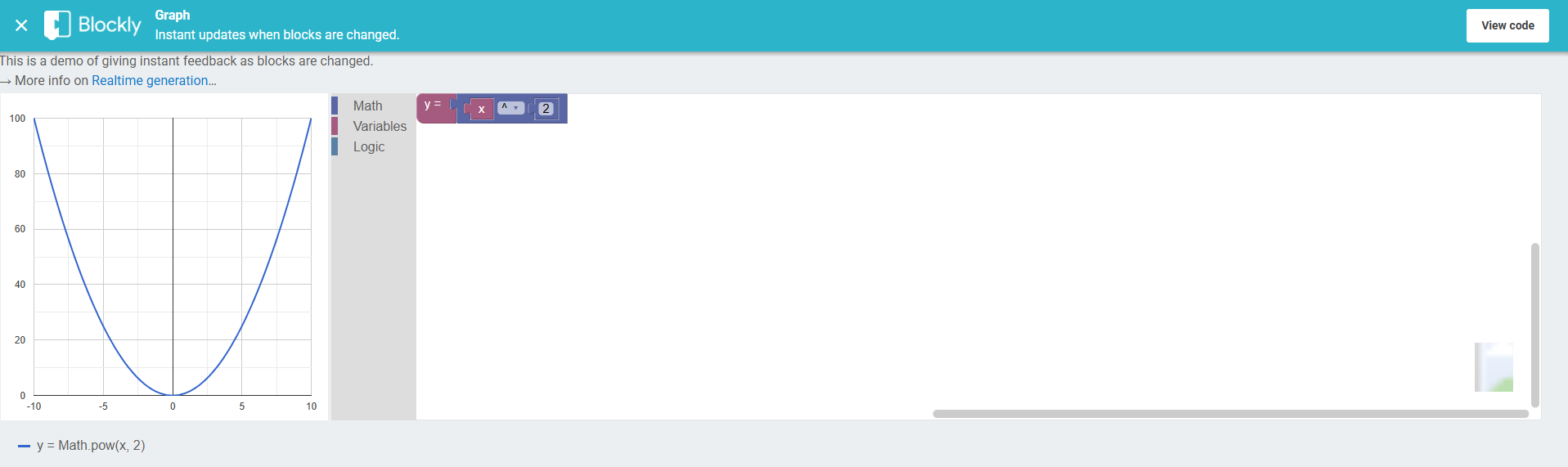
Example code is meant to be extremely well-commented so that it is easy to copy. The target user may be reading the code, running it locally, or copying code snippets.
The
examples directory
has one folder per example. Each example can be run with npm install && npm run start, and has a README.md file with additional context or instructions.
GitHub Pages
Blockly-samples has a webpage where many of the plugins and demos are available in a playground environment. This page is hosted on GitHub pages, and the code for this site is in the gh-pages directory of blockly-samples. This directory contains templates for the pages on the site. The actual site content is generated based on these templates and metadata from each plugin or example hosted.
Contribute to samples
You can make contributions to blockly-samples in the form of updating examples, adding your own examples, or making updates to the GitHub pages site.
Need to know
Here is a quick overview of facts about blockly-samples you need to know in order to create a PR.
-
The working branch is main and all PRs should be made against main.
-
Run
npm installat the root level of blockly-samples. Blockly-samples is a monorepo, meaning it contains multiple packages in the same repository, and installing at the root level is part of the workflow for managing the monorepo with Lerna. -
Code must conform to either Google's JavaScript Style Guide or TypeScript Style Guide depending on the language used.
-
Use conventional commits in your commit messages and pull request titles.
-
Any new code files must be prefixed with the Apache License v2.0:
/*** @license* Copyright <Current YYYY> Raspberry Pi Foundation* SPDX-License-Identifier: Apache-2.0*/
Make and Verify a Change
- Run
npm installat the root level of blockly-samples to install dependencies. - For examples, you can run
npm run startin an example's directory to start up a server running the example. For GitHub pages, you can runnpm run test:ghpagesto launch the GitHub pages locally. - Make any necessary changes to the code.
- If you've left the server running, your changes will load automatically. Otherwise, restart the server and verify that everything behaves as expected and there are no errors or warnings in the console.
- Run
npm run buildand ensure there are no build errors. - If applicable, run
npm run testto run the automated tests. - Run
npm run lint-fixto fix lint errors. Address any remaining warnings or errors. - Run
npm run formatto run the autoformatter. - If all tests pass, you are ready to open a PR against main with your changes.